
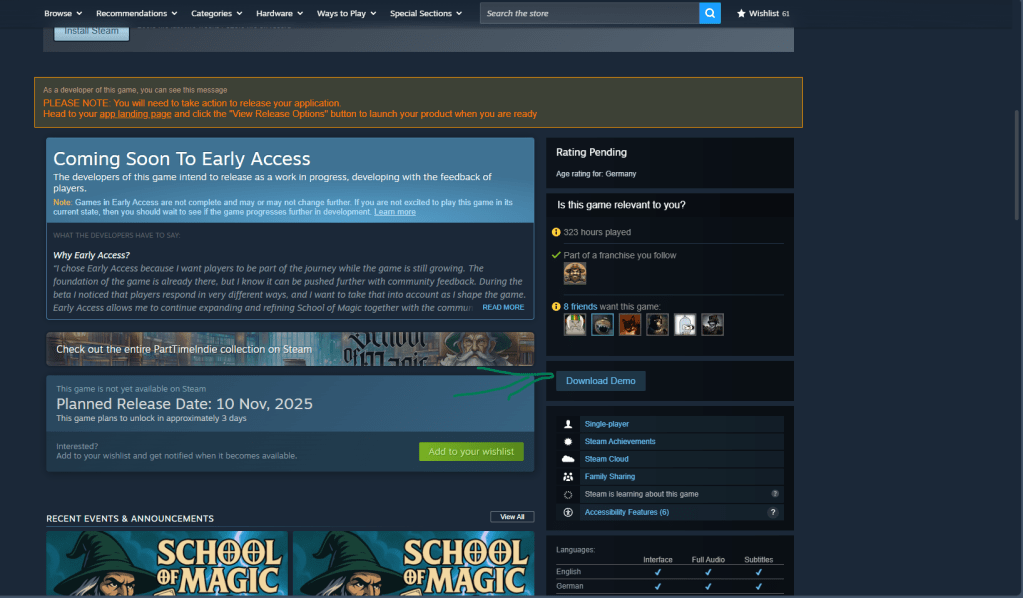
Download the demo from Steam and install it.

Or via the main game
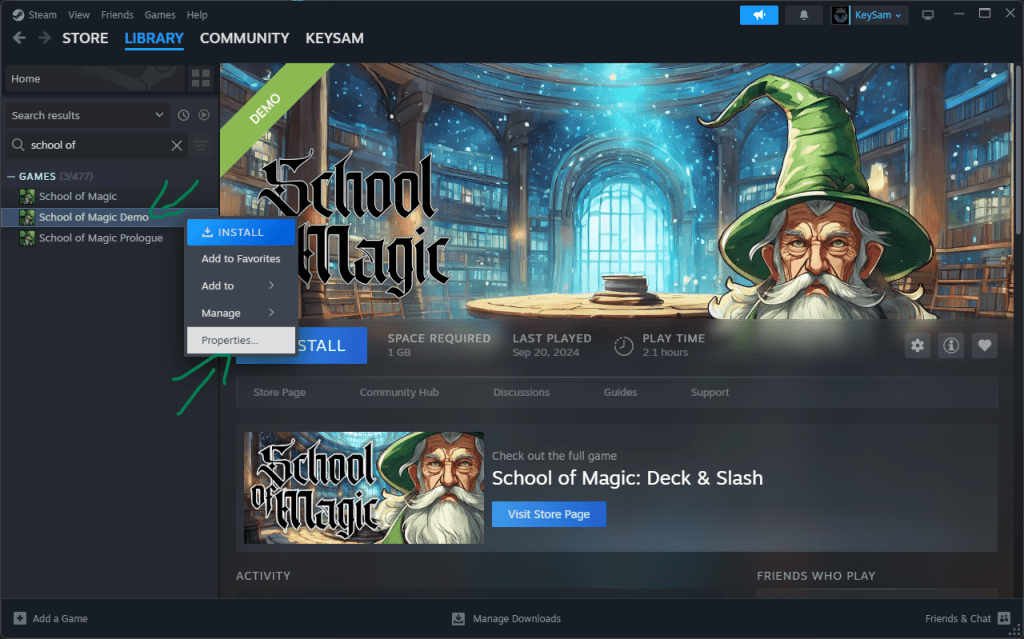
Open your Steam Library, right-click School of Magic — Demo, and select Properties.
In the pop-up, go to the Betas section and enter the secret code: SchoolOfMagicBeta and click Check Code.

Click the button “Opt into: beta – Beta.”

Close the window—Steam will download/update to the beta build.
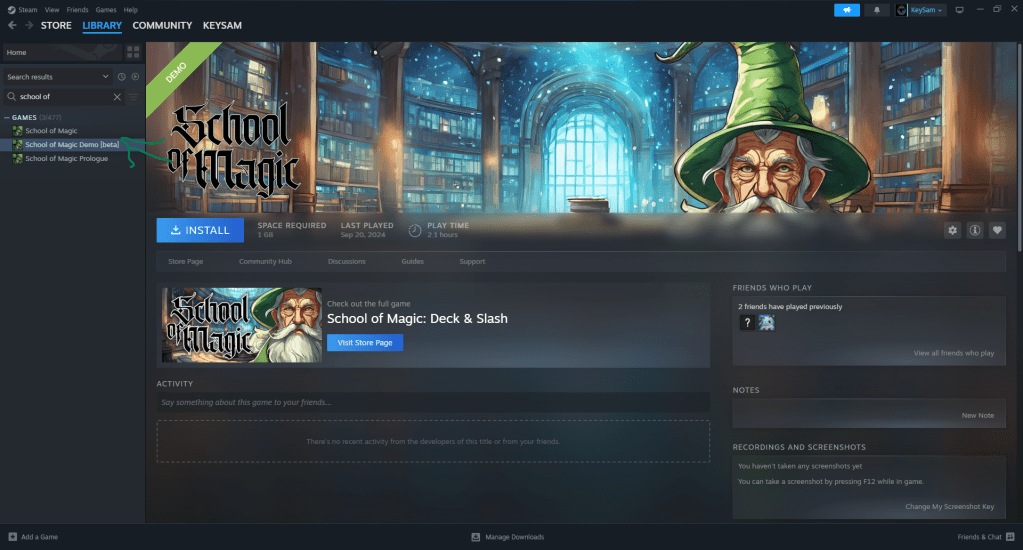
You’re in! You should now see the beta next to the demo in your Library.
 PartTimeIndie